

Cybersecurity is no longer a concern limited to large corporations with thousands of employees. Small businesses increasingly rely on cloud software, online payments, remote access, email, digital records, and connected devices. While these technologies improve efficiency, they also create more opportunities for cybercriminals.
The biggest mistake a small business can make is assuming that it is “too small to be targeted.” In reality, attackers often look for organizations with weaker security controls, limited IT resources, untrained employees, or poorly protected accounts. A single successful cyberattack can disrupt operations, expose customer information, lock important files, damage trust, and create significant financial losses.
In 2026, cybersecurity threats are also becoming more sophisticated. Criminals can automate attacks, create convincing phishing messages, exploit stolen credentials, and target weaknesses across cloud platforms, third-party services, and connected business systems.
At DecodePC, we focus on making important technology and security topics easier to understand. This guide explains the 10 critical cybersecurity threats small businesses should understand in 2026 and, more importantly, the practical steps that can reduce the risk.
The Biggest Cybersecurity Threats for Small Businesses
Small businesses should pay particular attention to:
- Phishing and social engineering
- Ransomware
- Password and credential attacks
- Malware and malicious downloads
- Data breaches
- Cloud security misconfigurations
- Business email compromise
- Vulnerable software and unpatched systems
- Third-party and supply-chain risks
- Insider threats and human error
The best protection is not a single antivirus program or security tool. Effective small business cybersecurity requires multiple layers of protection.
In addition to keeping software updated, businesses should use reliable security software to detect and reduce the risk of malware infections. You can also explore our guide to the Best Antivirus for PC when choosing suitable protection for business devices.
Why Are Small Businesses Attractive Targets for Cybercriminals?
Small businesses can be attractive targets because many operate with limited cybersecurity budgets and smaller IT teams. Some businesses also depend on one person to manage computers, accounts, backups, software updates, and technical support.
Cyber threats are also evolving with artificial intelligence, allowing attackers to automate certain activities and create increasingly sophisticated social engineering campaigns. For a deeper look at this emerging risk, read our guide on GenAI Weaponization & AI-Agent Attacks in 2025.
Common security weaknesses include:
- Weak or reused passwords
- No multi-factor authentication
- Infrequent software updates
- Missing or unreliable backups
- Employees with little cybersecurity training
- Excessive access permissions
- Unsecured remote access
- Poorly configured cloud services
- No incident response plan
Attackers do not always need to break through advanced security systems. Sometimes they only need one employee to enter a password on a fake login page or open a malicious attachment.
This is why cybersecurity should be treated as a business process rather than a one-time technical setup.
1. Phishing and Social Engineering Attacks
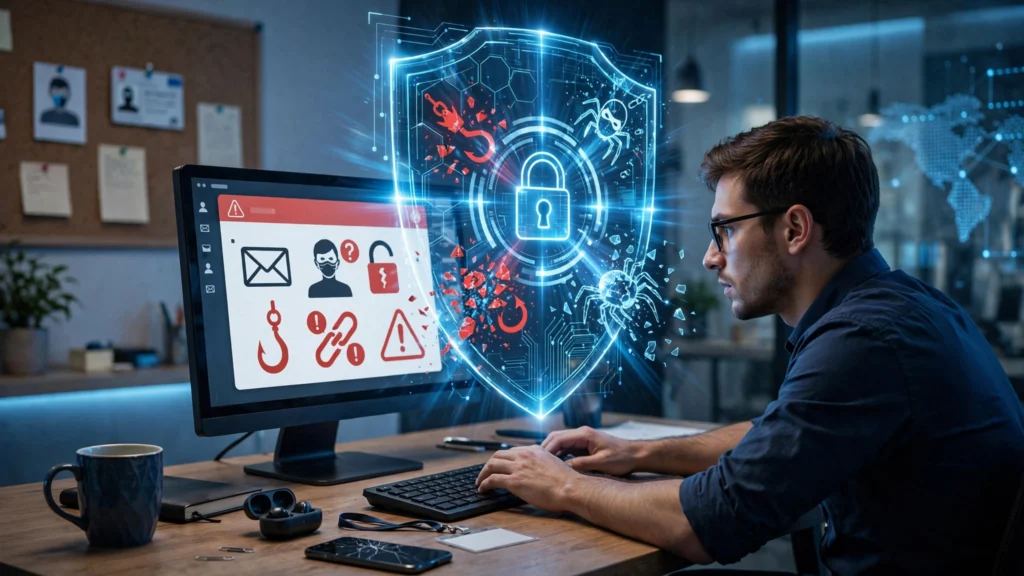
Phishing remains one of the most dangerous cybersecurity threats because it targets people rather than only technology.
A phishing message may appear to come from:
- A bank
- A customer
- A supplier
- A government department
- A software company
- A manager or business owner
- An internal employee
The message may ask the recipient to click a link, download a file, reset a password, review an invoice, or urgently approve a payment.
How Phishing Attacks Have Become More Convincing
Modern phishing attempts can use realistic branding, professional language, compromised email accounts, and detailed information gathered from public sources.
For example, an employee may receive an email that appears to be from a regular vendor requesting payment details to be updated. If the employee does not independently verify the request, the business could send money to a fraudulent account.
How to Prevent Phishing
Small businesses should:
- Train employees to recognize suspicious messages.
- Verify unexpected payment or account-change requests.
- Check the sender’s actual email address.
- Avoid entering passwords through unexpected links.
- Use multi-factor authentication.
- Report suspicious emails internally.
- Implement email filtering and anti-phishing protections where appropriate.
Important: Security training should not be a one-time presentation. Regular awareness training is more useful because attackers continually change their tactics.
2. Ransomware Attacks
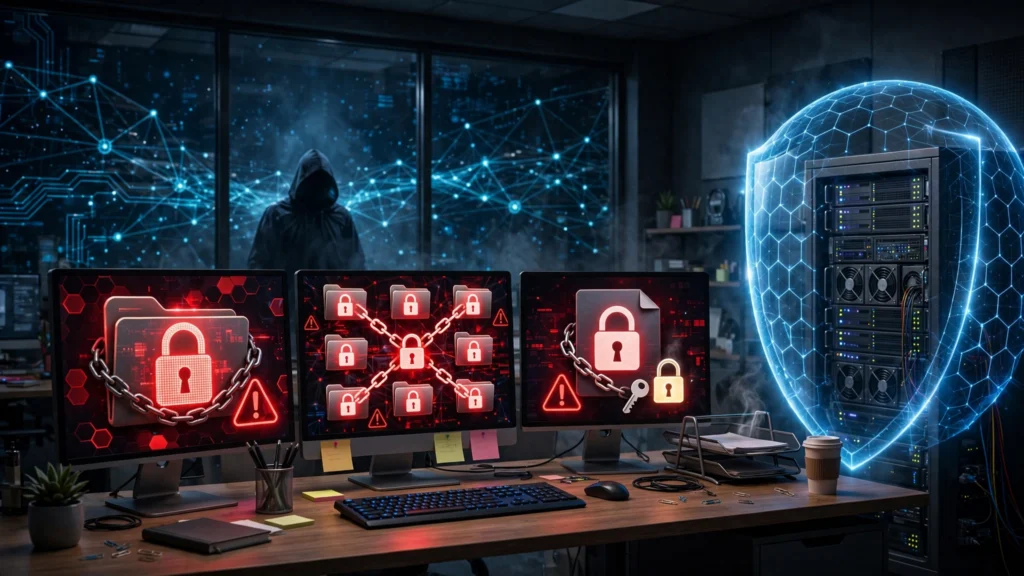
Ransomware is a type of malicious software that can block access to files or systems and demand payment. A ransomware incident can interrupt daily operations and create a difficult decision for the business.
The impact can extend beyond the encrypted files. Attackers may also attempt to steal information before disrupting systems, increasing the risk of data exposure and reputational damage.
A Common Ransomware Scenario
An employee opens a malicious attachment disguised as an invoice. Malware gains access to the computer and attempts to spread through shared folders or other accessible systems.
If critical files are unavailable and the company has no reliable backup, operations may be severely affected.
How to Reduce Ransomware Risk
Use multiple protective measures:
- Keep operating systems and software updated.
- Maintain regular backups.
- Test whether backups can actually be restored.
- Separate backups from the main network where possible.
- Limit unnecessary administrative privileges.
- Use security software and monitoring appropriate to the business.
- Train employees about malicious links and attachments.
- Create a documented incident response process.
For a more detailed prevention and response approach, businesses can review the official CISA #StopRansomware Guide, which covers ransomware prevention, response, backups, phishing, compromised credentials, and recovery practices.
The Importance of Tested Backups
Creating backups is not enough. A backup strategy should answer:
- How often is data backed up?
- Where is the backup stored?
- Who can access or delete it?
- How quickly can important systems be restored?
- Has the restoration process been tested?
A backup that cannot be restored during an emergency may provide little real protection.
3. Password and Credential Attacks
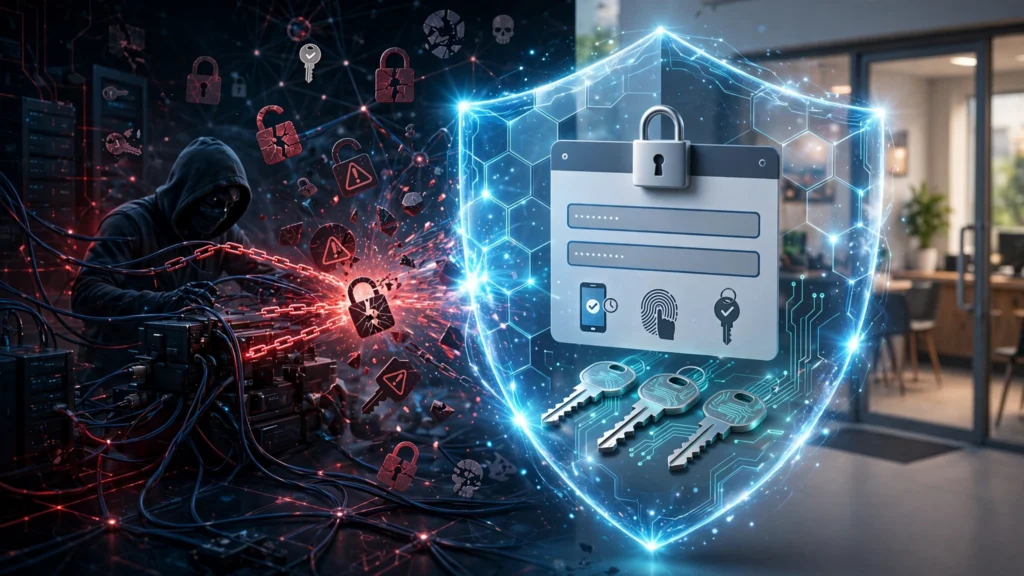
Stolen passwords remain a major security problem. Employees may reuse the same password across multiple services, choose weak passwords, or accidentally provide credentials to a fake website.
Once attackers obtain valid credentials, they may be able to access email, cloud storage, financial systems, or other business applications.
How Small Businesses Can Protect Accounts
The minimum approach should include
Use Unique Passwords
Each important account should have a unique password. Reusing passwords increases the damage caused by one compromised service.
Use a Password Manager
A reputable password manager can help employees create and securely manage strong, unique passwords without relying on memory.
Businesses that want to understand modern authentication and password security principles can also review the NIST Digital Identity Guidelines
Enable Multi-Factor Authentication
Multi-factor authentication adds an additional verification step beyond the password. While it does not eliminate every type of account attack, it can significantly strengthen account protection.
Remove Unused Accounts
Former employees, unused applications, and old administrative accounts should be reviewed regularly. Every unnecessary account creates additional risk.

4. Malware and Malicious Downloads
Malware is a broad term covering malicious programs designed to steal information, damage systems, spy on users, or provide unauthorized access.
Employees may accidentally install malware through:
- Fake software downloads
- Pirated applications
- Malicious email attachments
- Fake browser updates
- Infected USB devices
- Compromised websites
Why Unauthorized Software Is Risky
Employees sometimes install free tools to solve a work problem quickly. However, downloading software from unofficial sources can introduce serious security risks.
Businesses should create clear rules about:
- Who can install software
- Which software sources are approved
- How new tools are evaluated
- How software updates are managed
Where practical, employees should not use administrator-level accounts for routine daily work.

5. Data Breaches and Sensitive Information Exposure
A data breach occurs when protected or sensitive information is accessed, exposed, or disclosed without authorization.
The information may include:
- Customer contact details
- Employee records
- Financial information
- Business documents
- Login credentials
- Contracts
- Payment-related information
- Proprietary data
Not every breach happens because of a sophisticated hacker. Information can also be exposed through misconfigured cloud storage, lost devices, accidental sharing, or excessive employee permissions.
How to Reduce Data Breach Risks
Know What Data You Have
A business cannot protect information effectively if it does not know where that information is stored.
Identify important data across:
- Computers
- Servers
- Cloud storage
- Business applications
- Mobile devices
- External drives
Limit Access
Employees should generally receive access based on what they need for their job.
For example, a sales employee may need customer information but may not need access to payroll records.
This approach is commonly described as the principle of least privilege.
Protect Data in Transit and Storage
Use secure, trusted systems and appropriate encryption features where available. Avoid sending sensitive information through insecure or unnecessary channels.
6. Cloud Security Misconfigurations
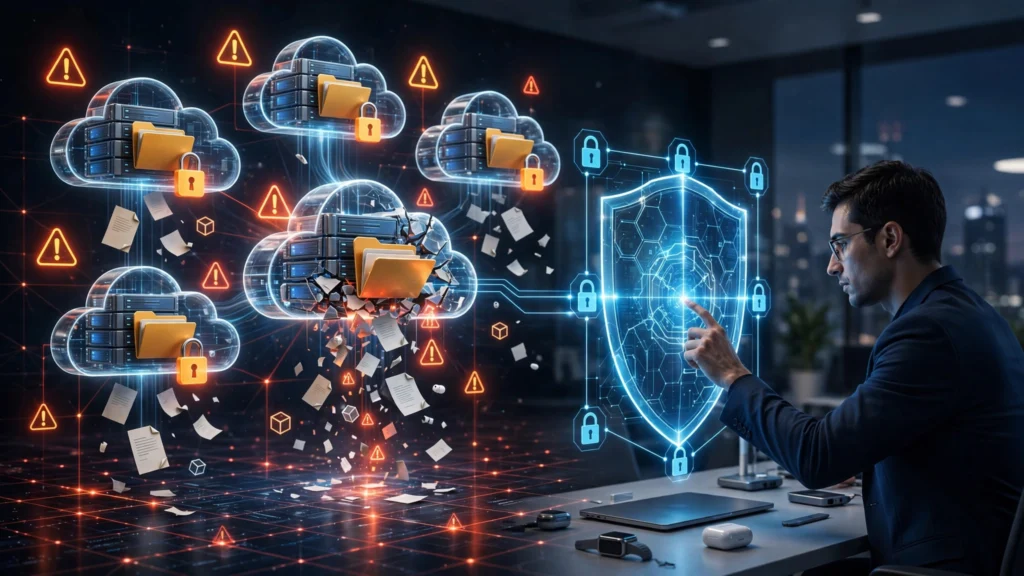
Cloud services make it easier for small businesses to collaborate and work from different locations. However, convenience can create problems when accounts, permissions, storage, or sharing settings are configured incorrectly.
Common mistakes include:
- Publicly accessible files
- Overly broad sharing permissions
- Shared administrator accounts
- Unused access credentials
- Missing multi-factor authentication
- Former employees retaining access
Cloud Security Best Practices
Review:
- Who has administrator access
- Which files are shared externally
- Whether unused accounts are disabled
- Whether multi-factor authentication is enabled
- Which third-party applications can access company data
- Whether activity logs and security alerts are available
A useful rule is to regularly review access instead of assuming that old permissions remain appropriate.
7. Business Email Compromise
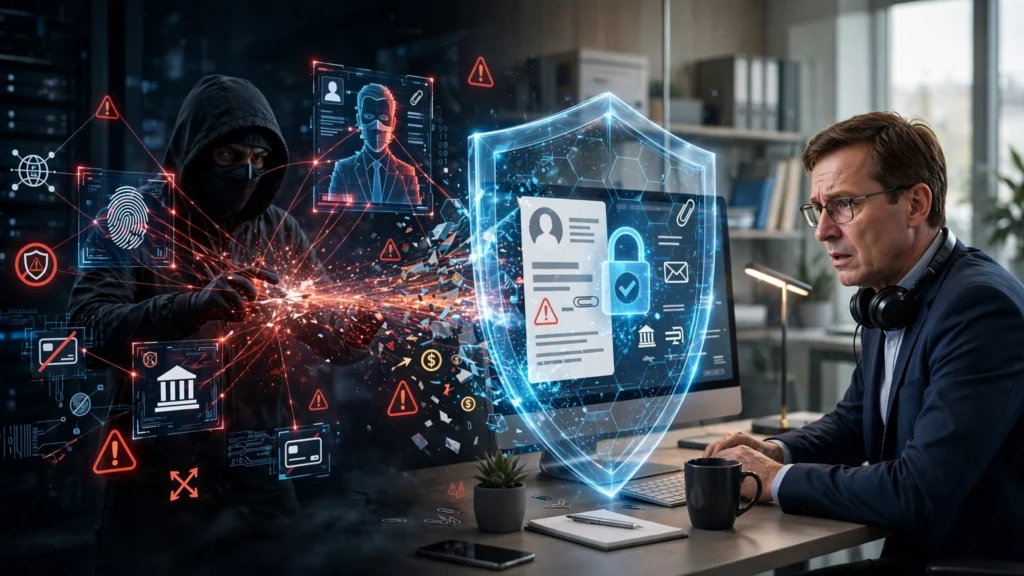
Business email compromise is particularly dangerous because attackers may impersonate executives, employees, vendors, or customers to manipulate financial transactions.
Unlike traditional phishing, the message may not contain obvious malware or a suspicious link. The attacker may simply request an urgent payment.
Example
A finance employee receives what appears to be an urgent email from a senior manager asking for a confidential bank transfer.
The message may pressure the employee by saying:
- “Do this immediately.”
- “I am in a meeting.”
- “Do not call me right now.”
- “This is confidential.”
Urgency and secrecy are common warning signs.
How to Prevent Business Email Fraud
Create a verification policy for sensitive requests.
For example:
- Never change bank details based only on an email.
- Verify large or unusual payments using a trusted communication method.
- Use known contact information rather than a number included in the suspicious message.
- Require additional approval for significant transactions.
A short verification process can prevent a major financial mistake.
8. Unpatched Software and Vulnerable Systems
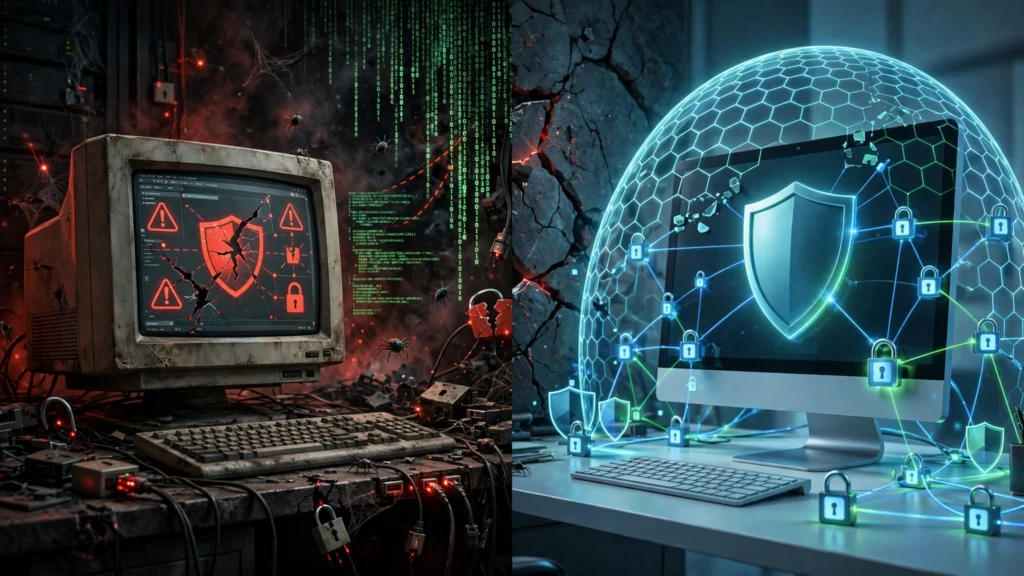
Software vulnerabilities can allow attackers to exploit weaknesses in operating systems, applications, network devices, and business platforms.
Delaying updates may be convenient, but outdated systems can become easier targets over time.
Create a Patch Management Process
A practical small business process may include:
- Automatically installing routine security updates where appropriate.
- Testing important updates before wider deployment when necessary.
- Prioritizing actively risky or critical vulnerabilities.
- Maintaining an inventory of important devices and software.
- Replacing unsupported software when practical.
Do not forget devices such as:
- Wi-Fi routers
- Firewalls
- Network storage
- Printers
- Remote access systems
- Security cameras
- Internet-connected business equipment
Any connected device can become part of the organization’s security surface.
9. Third-Party and Supply-Chain Cybersecurity Risks
Small businesses often depend on external vendors for:
- Accounting
- Payroll
- Payment processing
- Cloud storage
- Website hosting
- Customer relationship management
- IT support
- Software services
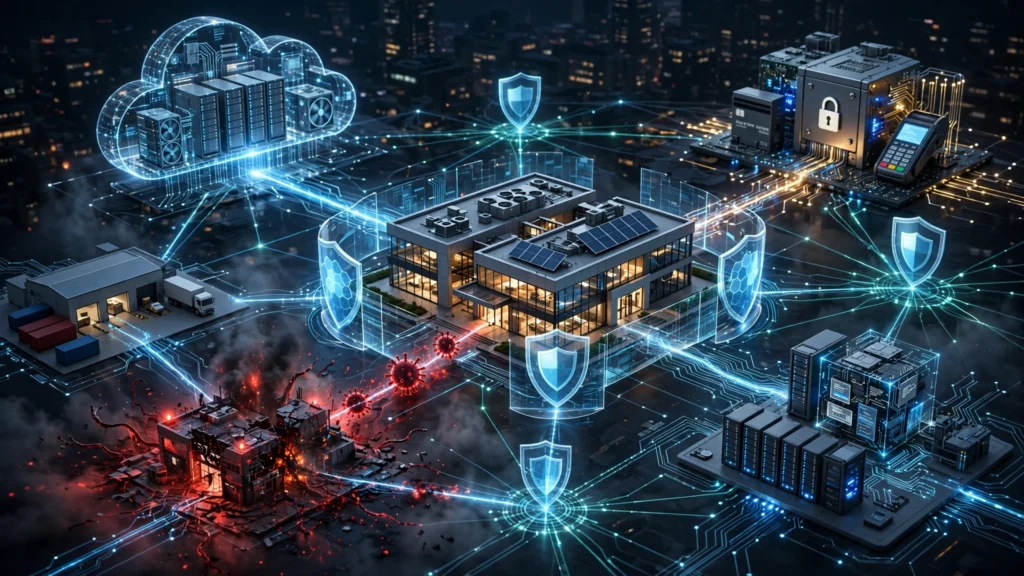
A business may have strong internal security but still face risk through a compromised third party.
Questions to Ask Important Vendors
Before sharing sensitive information or giving a vendor system access, consider:
- What information will the vendor access?
- Is the access necessary?
- Who owns the data?
- How can access be removed?
- Does the vendor provide appropriate security controls?
- How will the business be notified about a serious security incident?
- Are backups and recovery procedures available?
Third-party security does not mean avoiding every external service. It means understanding and managing the risk.
10. Insider Threats and Human Error
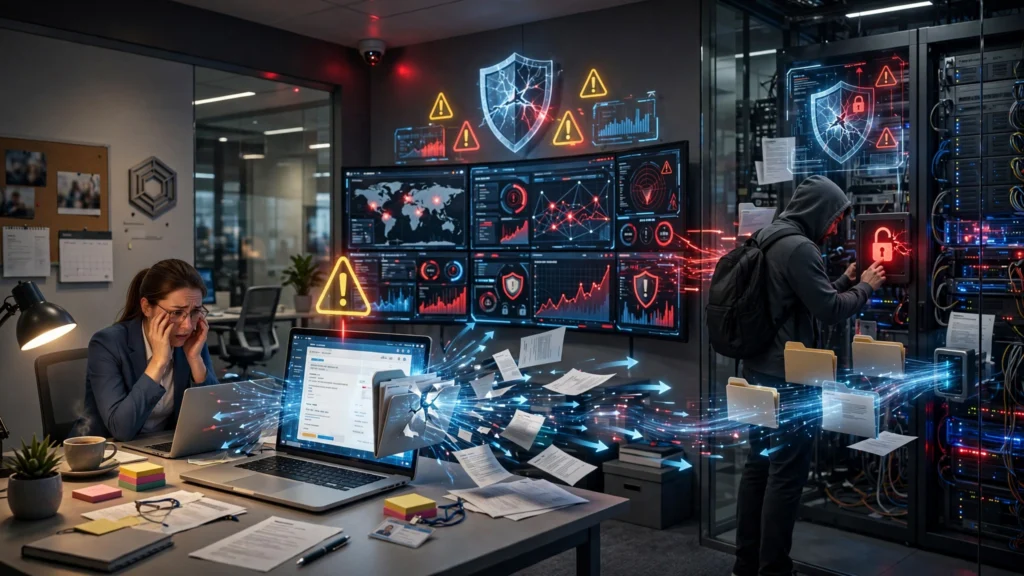
Not every cybersecurity incident comes from an outside attacker.
Employees, contractors, and former staff can create risk intentionally or accidentally.
Examples include:
- Sending confidential information to the wrong recipient
- Using weak passwords
- Sharing login credentials
- Connecting infected devices
- Deleting important files
- Downloading unauthorized software
- Retaining access after leaving the company
How to Reduce Insider Risks
Businesses should have clear procedures for:
- Employee onboarding
- Access approval
- Password management
- Acceptable technology use
- Reporting suspicious activity
- Employee offboarding
When an employee leaves, review and remove access promptly from:
- Cloud accounts
- Business applications
- VPN access
- Administrative tools
- Shared systems
Security should be built into normal business processes rather than handled only after a problem occurs.
How Small Businesses Can Build a Practical Cybersecurity Strategy
Cybersecurity can feel overwhelming when resources are limited.A useful starting point is the NIST Cybersecurity Framework 2.0 Small Business Quick-Start Guide, which helps smaller organizations think through cybersecurity risk management using areas such as Govern, Identify, Protect, Detect, Respond, and Recover. The solution is not necessarily to purchase every available security product.
Start with the risks most likely to cause serious harm.
Step 1: Identify Your Most Important Assets
Ask:
- Which systems are essential to daily operations?
- What customer or employee information is sensitive?
- What would stop the business from operating for several days?
- Which accounts have administrative or financial access?
Protecting everything equally may be unrealistic. Prioritization is essential.
Step 2: Strengthen Identity and Access Security
Focus on:
- Strong, unique passwords
- Multi-factor authentication
- Password management
- Limited administrative access
- Regular account reviews
Step 3: Protect Devices and Networks
Keep devices updated and use appropriate endpoint and network security controls.
Also ensure employees understand how to report:
- Lost devices
- Suspicious pop-ups
- Unexpected login alerts
- Possible phishing messages
- Unusual account activity
Early reporting can reduce the impact of an incident.
Businesses should also understand the role of network privacy and access controls when designing their security strategy. Our Proxy Server Complete Guide explains how proxy servers work and where they can provide an additional layer of access control and security.
Step 4: Create Reliable Backups
Use a documented backup process and test restoration regularly.
Prioritize critical business information first.
Step 5: Train Employees
Security awareness should cover realistic situations employees may actually face.
Useful training topics include:
- Phishing
- Password safety
- Payment fraud
- Safe file sharing
- Remote work security
- Suspicious software
- Reporting incidents
Step 6: Prepare an Incident Response Plan
Even strong security cannot guarantee that no incident will ever occur.
A basic incident response plan should identify:
- Who leads the response
- Who should be contacted
- Which systems may need to be isolated
- How evidence should be preserved
- How customers or affected parties will be handled when required
- How systems will be restored
The goal is to reduce confusion during a stressful situation.
Small Business Cybersecurity Checklist
Use this practical checklist as a starting point:
- Review all important business accounts.
- Enable multi-factor authentication.
- Use unique passwords and a trusted password management process.
- Remove unused and former employee accounts.
- Keep operating systems and software updated.
- Back up important business data.
- Test backup restoration.
- Train employees to recognize phishing and fraud.
- Limit administrative privileges.
- Review cloud sharing permissions.
- Verify payment and bank-detail changes independently.
- Maintain an inventory of important devices and software.
- Secure remote access.
- Review important third-party vendors.
- Create an incident response plan.
No single item makes a business completely secure. However, consistently applying these controls can significantly improve resilience.
Frequently Asked Questions
What are the biggest cybersecurity threats for small businesses in 2026?
Major cybersecurity threats include phishing, ransomware, stolen credentials, malware, data breaches, business email compromise, unpatched software, cloud misconfigurations, third-party risks, and insider threats.
Why would hackers target a small business?
Attackers may target small businesses because they can have limited security resources, weaker access controls, outdated software, or employees with limited cybersecurity training. The size of a business does not guarantee that it will be ignored.
What is the most important cybersecurity protection for a small business?
There is no single protection that solves every problem. A strong foundation usually includes multi-factor authentication, regular updates, reliable backups, employee training, limited access permissions, and a clear incident response process.
How can small businesses prevent phishing attacks?
Employees should verify suspicious requests, check sender addresses carefully, avoid entering credentials through unexpected links, report suspicious emails, and use multi-factor authentication. Regular security awareness training is also important.
How often should a small business review its cybersecurity?
Cybersecurity should be reviewed regularly rather than only after an incident. Account access, software updates, backups, employee permissions, and security policies should be checked on an ongoing schedule.
Do small businesses need an incident response plan?
Yes. A basic incident response plan helps employees and management respond more quickly if a cyberattack, ransomware incident, data breach, or major account compromise occurs.
Are cloud services automatically secure?
Cloud providers can offer strong security capabilities, but businesses are still responsible for many areas such as account security, access permissions, sharing settings, and user behavior.
What should a business do first after discovering a possible cyberattack?
The business should avoid panic, document what is happening, follow its incident response process, limit further exposure where appropriate, and involve qualified IT or cybersecurity professionals when necessary. The correct response depends on the type and scope of the incident.
Conclusion
Cybersecurity threats are a serious business risk, but small businesses do not need to solve every security challenge at once. The most effective approach is to start with the areas that can provide the greatest protection: secure accounts, multi-factor authentication, employee awareness, regular updates, controlled access, reliable backups, and a clear response plan.
The cybersecurity threats facing small businesses in 2026 are diverse, and attackers often take advantage of simple weaknesses rather than relying only on highly advanced techniques. A stolen password, convincing phishing email, outdated system, or poorly configured cloud account can sometimes be enough to create a major problem.
The key is consistency. Review your security controls regularly, train employees, reduce unnecessary access, and prepare for incidents before they happen.
At DecodePC, we aim to make technology and cybersecurity easier to understand through practical, clear, and useful guides. Strengthening your cybersecurity step by step can help protect your business, your data, and the trust your customers place in you.










Leave a Reply